Manage categories, items, prices, photos, dietary information, and availability from one place. Every guest opens the latest published version.
Printed menus and PDF workflows break down when prices and availability change during service. Teams need one simple editor instead of redesigning or reprinting.
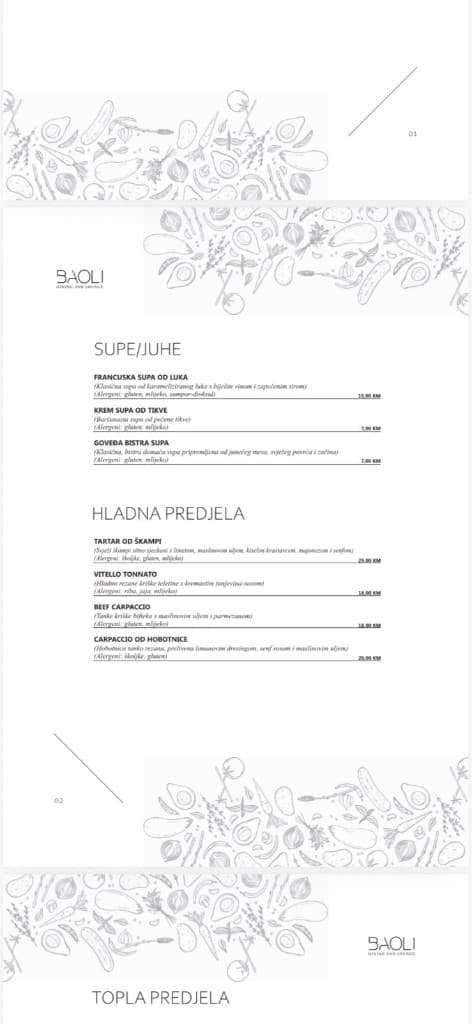
Organize food and drinks by category, service period, course, or location.
Add names, prices, descriptions, photos, allergens, and dietary tags.
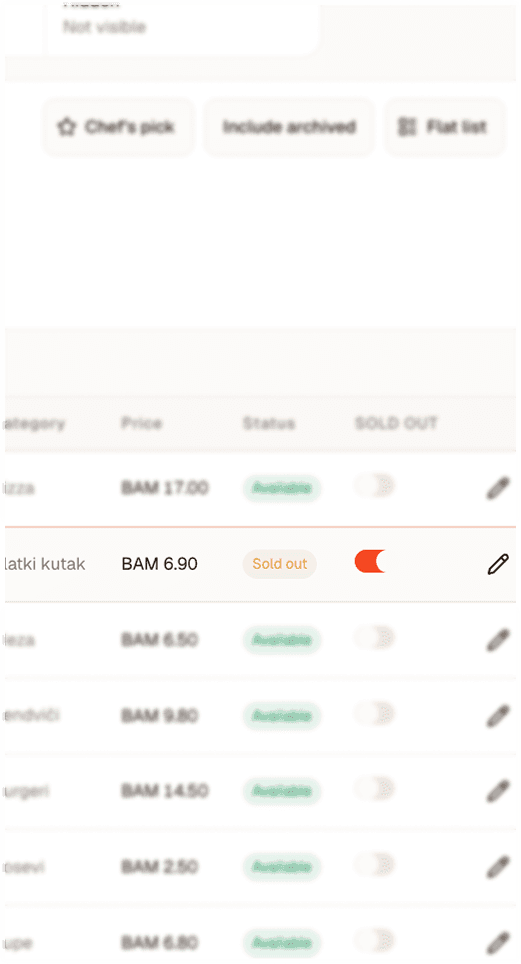
Hide or mark unavailable items during service.
Check how the menu looks on mobile before sharing it.
Change the menu from a computer, tablet, or supported mobile view.
Create the skeleton of your menu to match service flow.
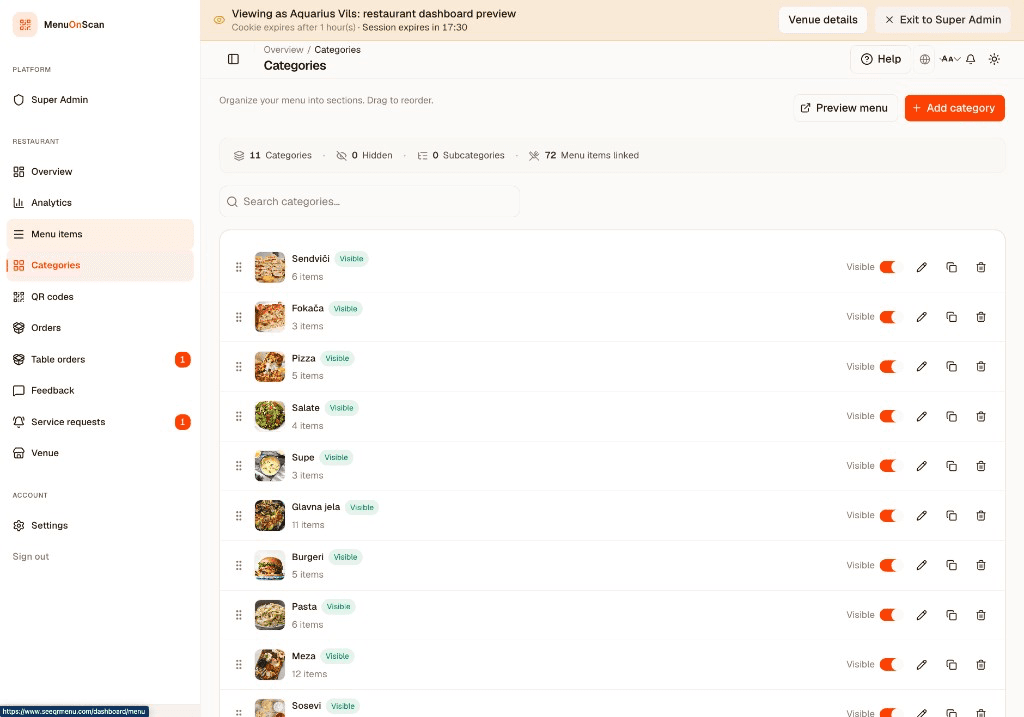
Fill in details, upload photos, set prices and tags.
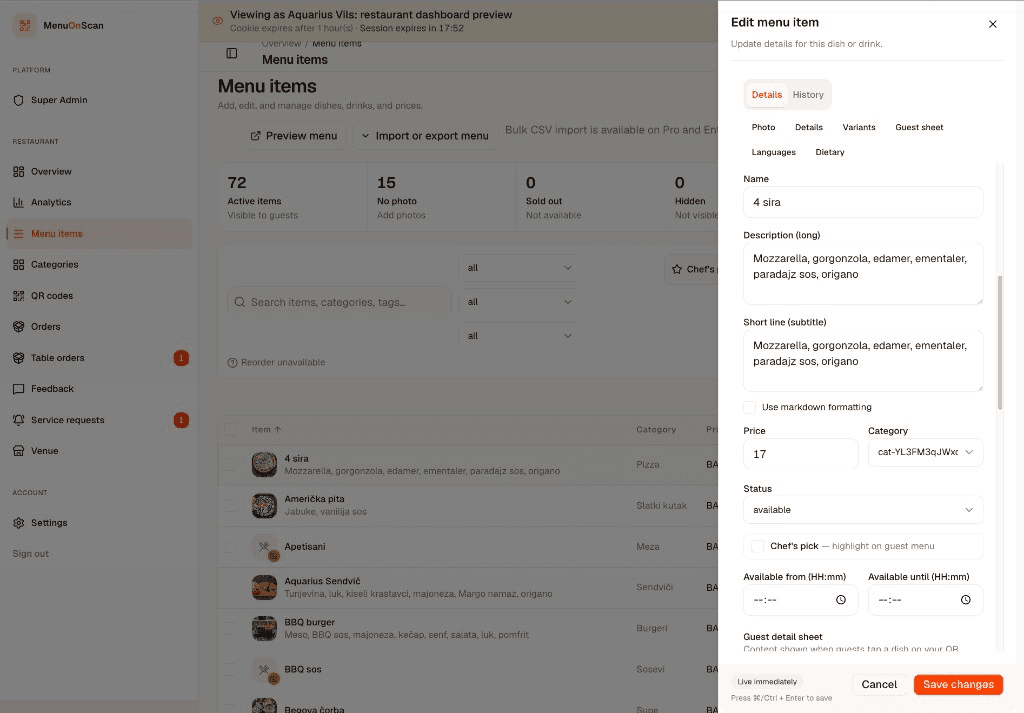
Changes sync to guest menus on the next scan or refresh.
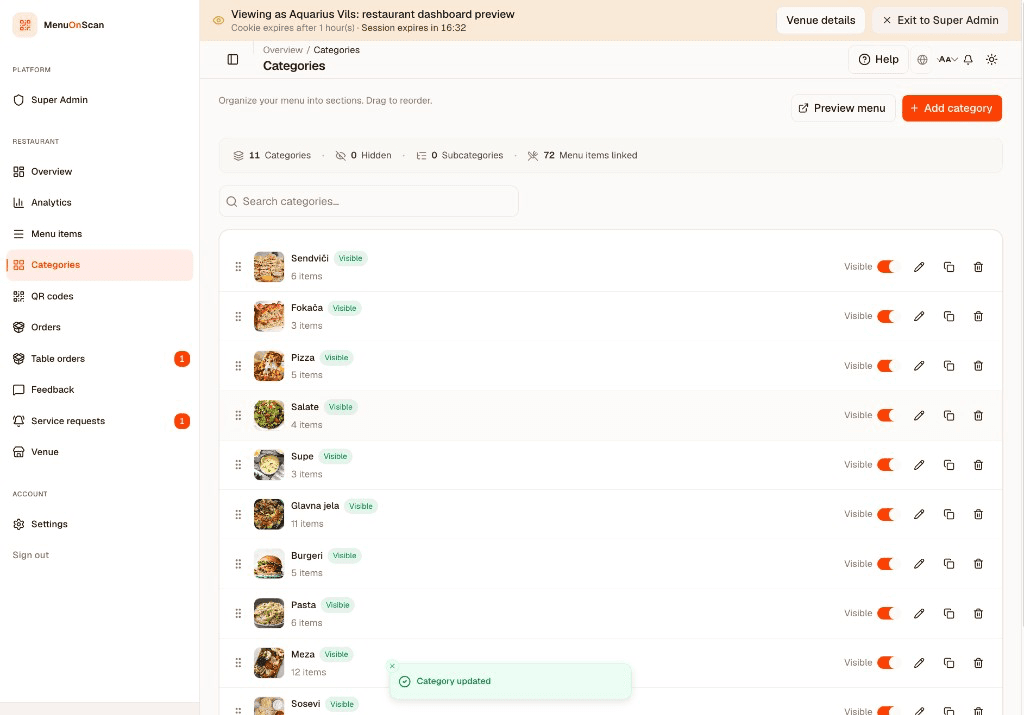
Swap the special category before service starts. Guests scanning at noon see the updated list immediately.
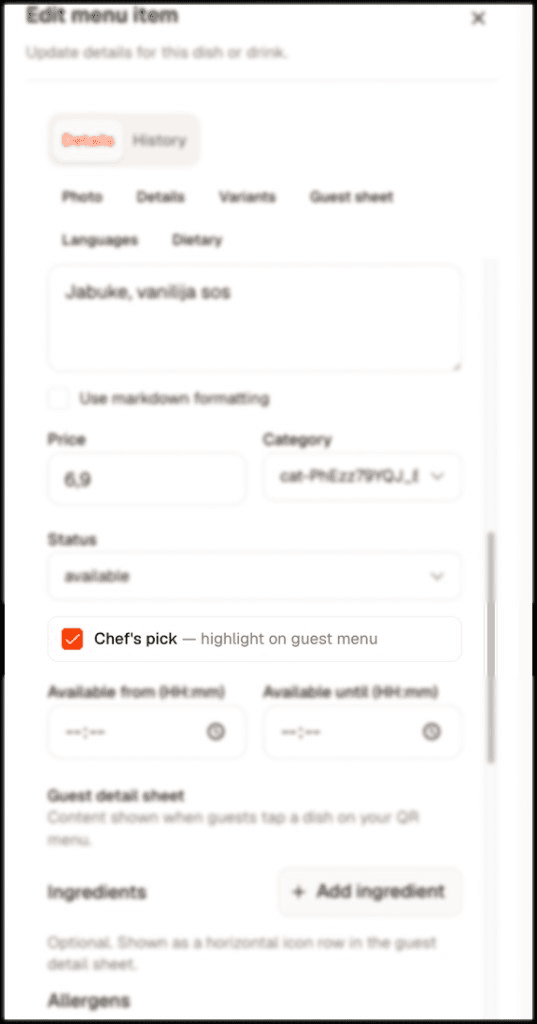
Mark the last portion of a dish unavailable from your phone. The next scan shows it greyed out.
Send us your current menu and we will prepare a personalized preview using your logo, colors, and a selection of your actual items.
No commitment. No payment details required for the demo.